IT service providers
Manage devices, risks, and ownership for each customer. Keep customer environments separate and find information for support.

secnostic® platform handles tenants, identities, roles, access, and onboarding in one place, so no app has to reinvent any of it.
No app builds its own login, tenant separation, or permissions anymore. That makes running several applications easy to scale and easy to audit.
Every app needs login, tenants, roles, and access. When each one builds that alone, the effort multiplies and mistakes creep in. secnostic® platform handles this foundation once for all of them: tenants with their own login, registered apps, permissions, and plans per customer. You onboard new customers in one place, control who sees what, and maintain a full overview even as the portfolio grows.
secnostic® platform is the shared control plane behind the secnostic® apps. A request from inventory, focusAlert, or another app travels through the platform layer by layer: identity, tenant, access, entitlementsAn entitlement defines the scope a tenant receives in an application, such as a plan tier, a limit, or an unlocked feature., and finally the app itself. No app has to rebuild sign-in, tenant isolation, permissions, and plans.
Two mechanisms carry the platform: a grant resolver that decides every request, and the tenant separation that keeps everything within the context of exactly one tenant.
A software vendor onboards a new customer as an isolated tenant and enables two apps in the production environment.
A customer routes all sign-ins through its own Microsoft Entra IDMicrosoft Entra ID is a cloud-based identity and access management service for users, devices, applications, and resources. instead of local accounts.
A product manager raises a customer's plan tier and reviews usage against the new limit.
A role-based grant resolver decides what every user, app, and token may do. A sync engine ingests the permissions, entitlementsAn entitlement defines the scope a tenant receives in an application, such as a plan tier, a limit, or an unlocked feature., and metrics each app declares. Together they govern access and per-tenant configuration on every request.
Access decisions and entitlement values are exposed over a REST API with a query syntax, so governance and provisioning can be automated.
Every customer is an isolated tenant with its own users, roles, permissions, sign-in providers, and entitlement valuesAn entitlement defines the scope a tenant receives in an application, such as a plan tier, a limit, or an unlocked feature.. Everything is evaluated only within that tenant's context.
Users, roles, permissions, sign-in providers, app visibility, and entitlement valuesAn entitlement defines the scope a tenant receives in an application, such as a plan tier, a limit, or an unlocked feature. apply only within their tenant. A grant in tenant A never applies in tenant B.
Operators send one-time, expiring invites. A tenant starts as a draft and becomes active. When an operator revokes access, it ends at once across the whole tenant, because every grant is bound to that tenant.
Each tenant configures its own OAuth 2.0OAuth is an authorization standard that lets an application obtain access to resources without disclosing user passwords to the application. providers, such as Microsoft Entra IDMicrosoft Entra ID is a cloud-based identity and access management service for users, devices, applications, and resources.. Users can belong to several tenants and switch context.
Access is granted per environment. A tenant may use the production environment of an app but not staging, toggled individually or as a bulk grant.
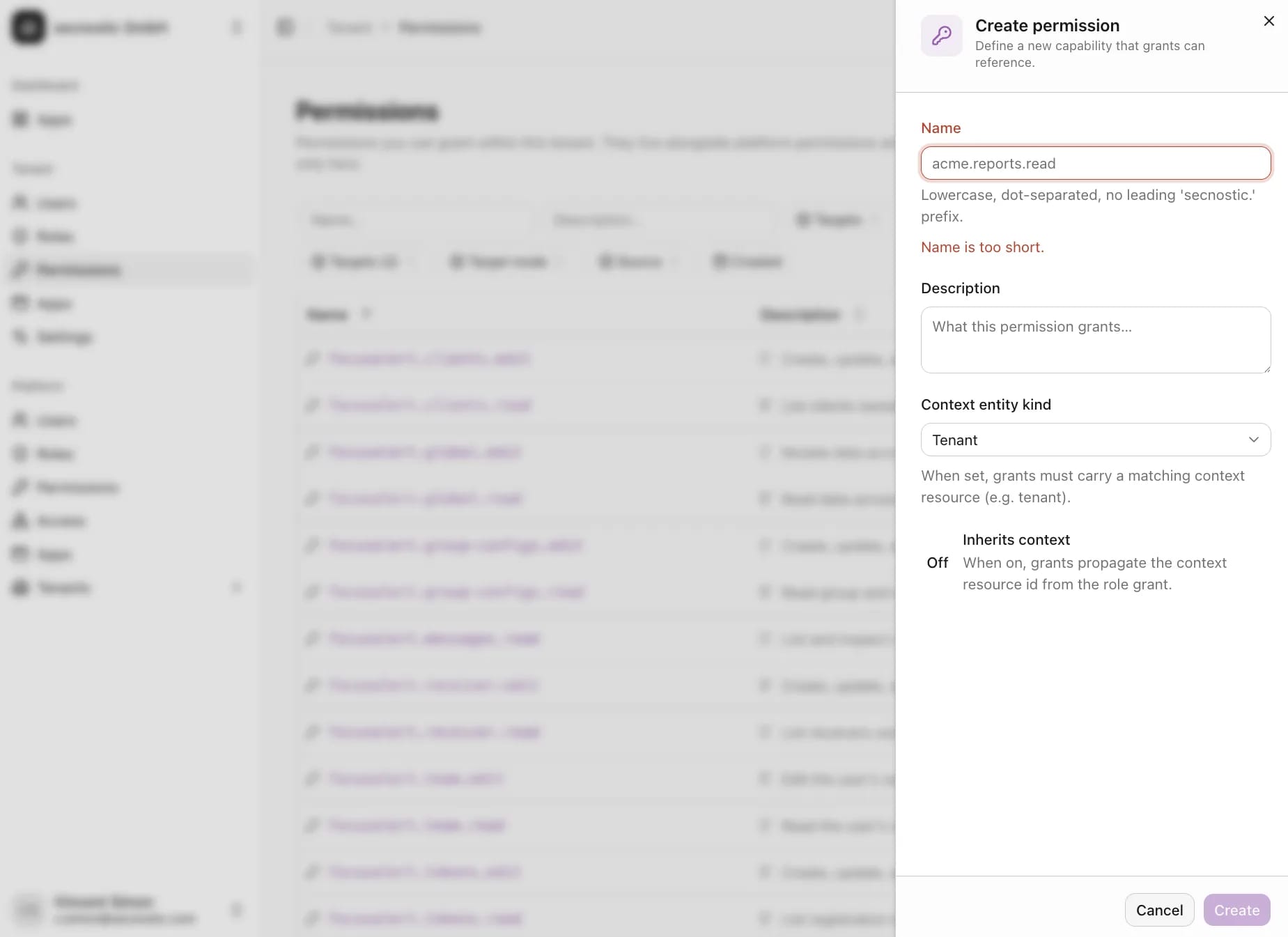
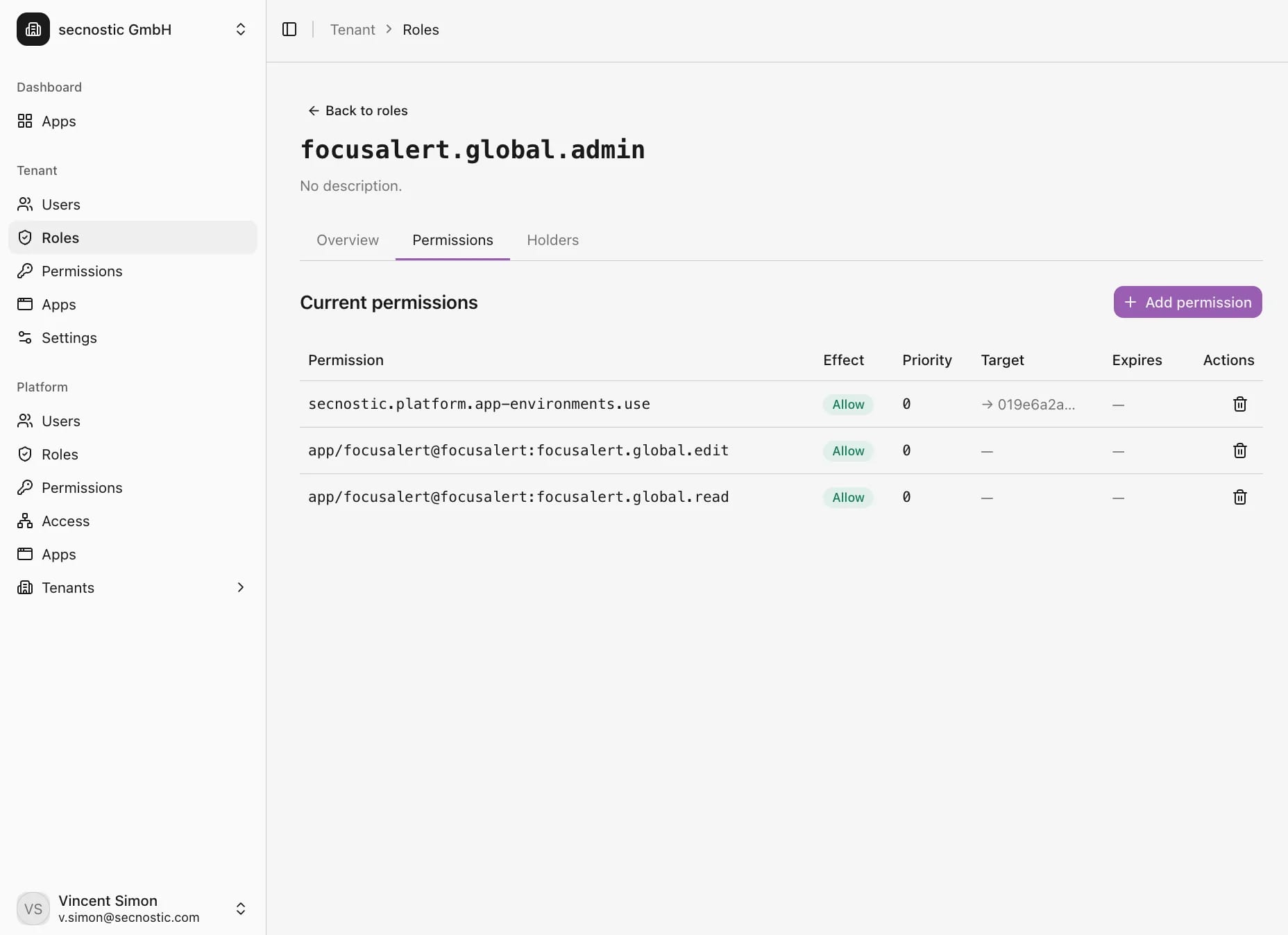
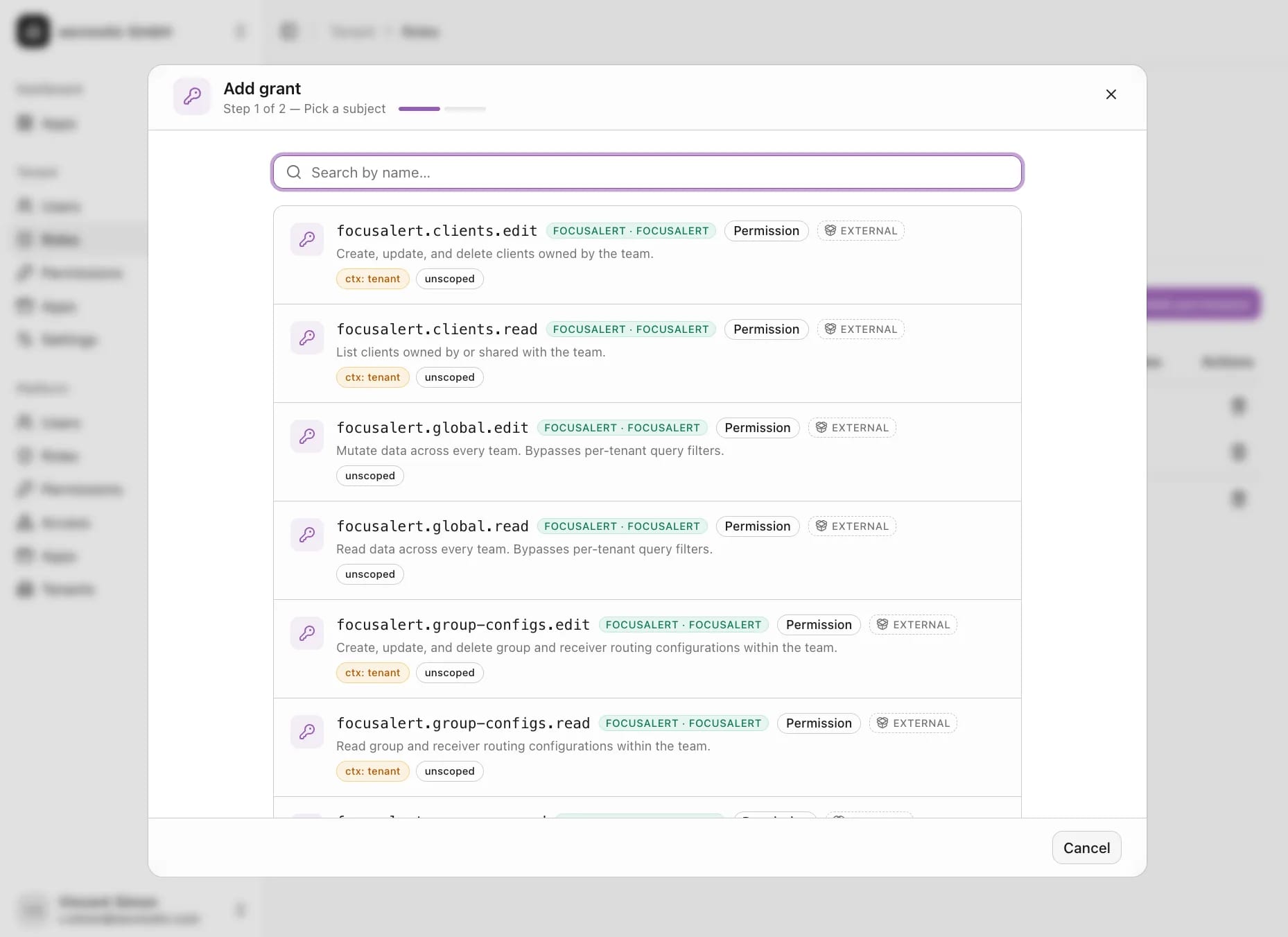
Permissions, roles, grants, and sign-in stay separate by task and share the same tenant model.
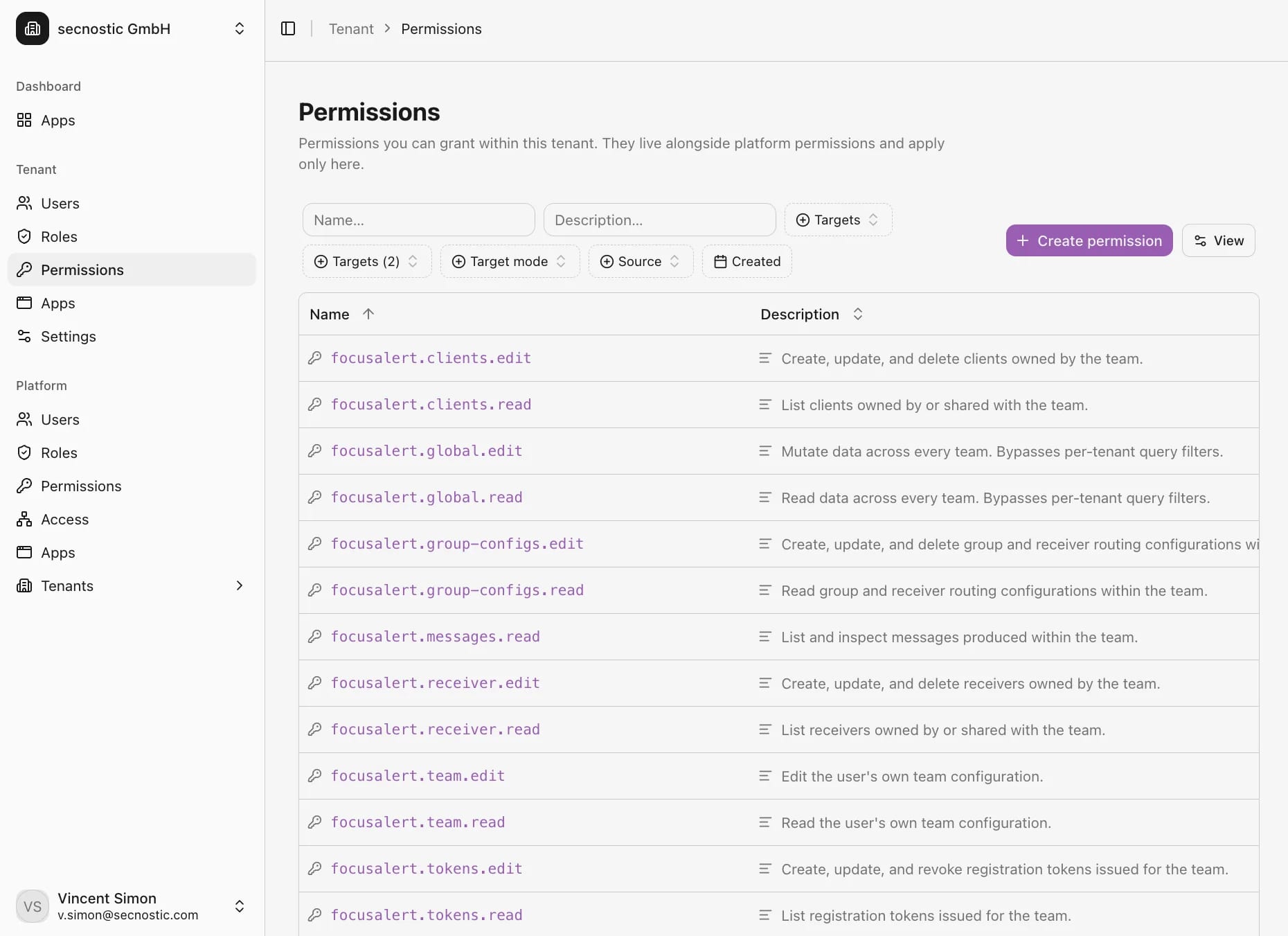
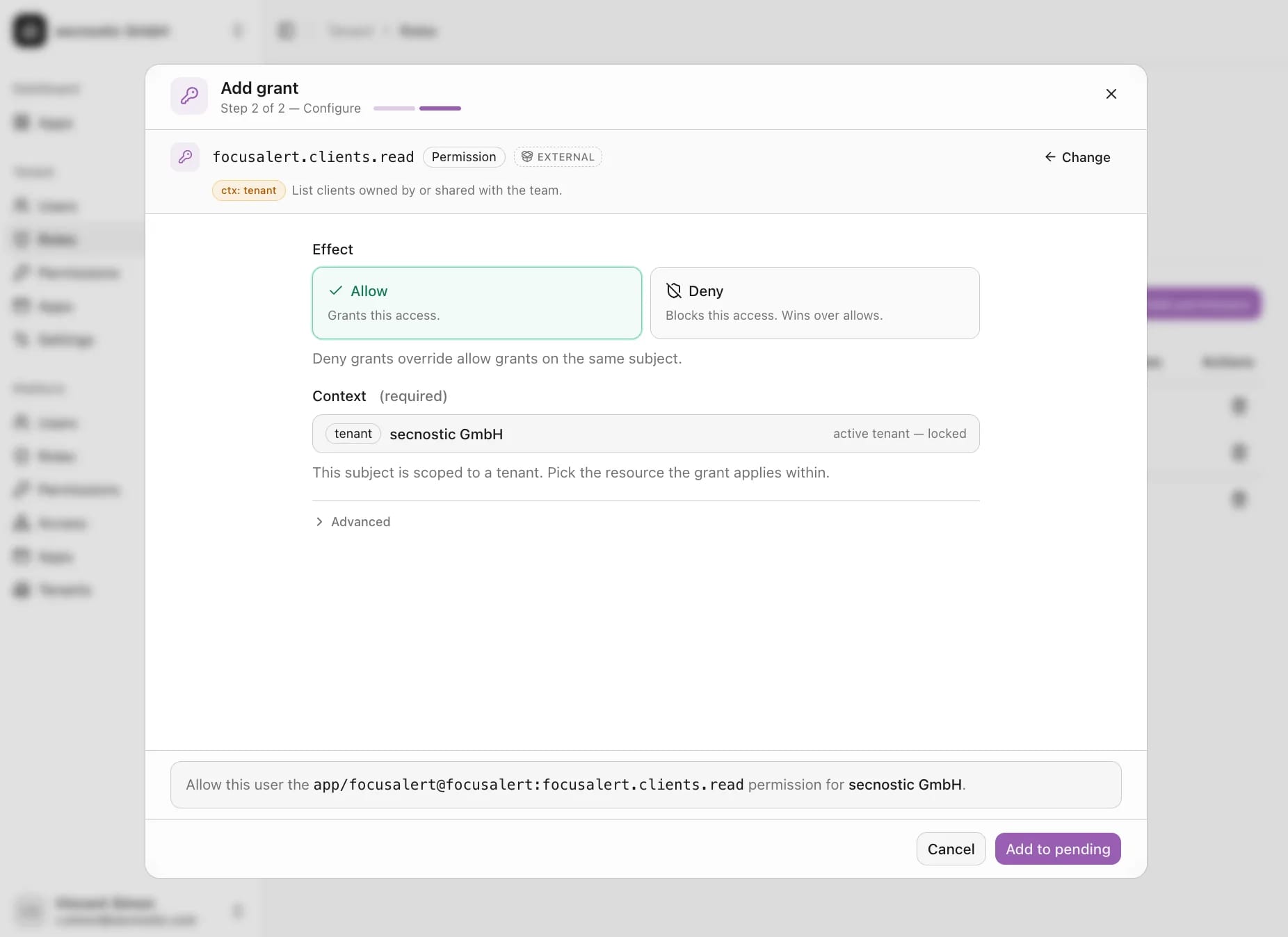
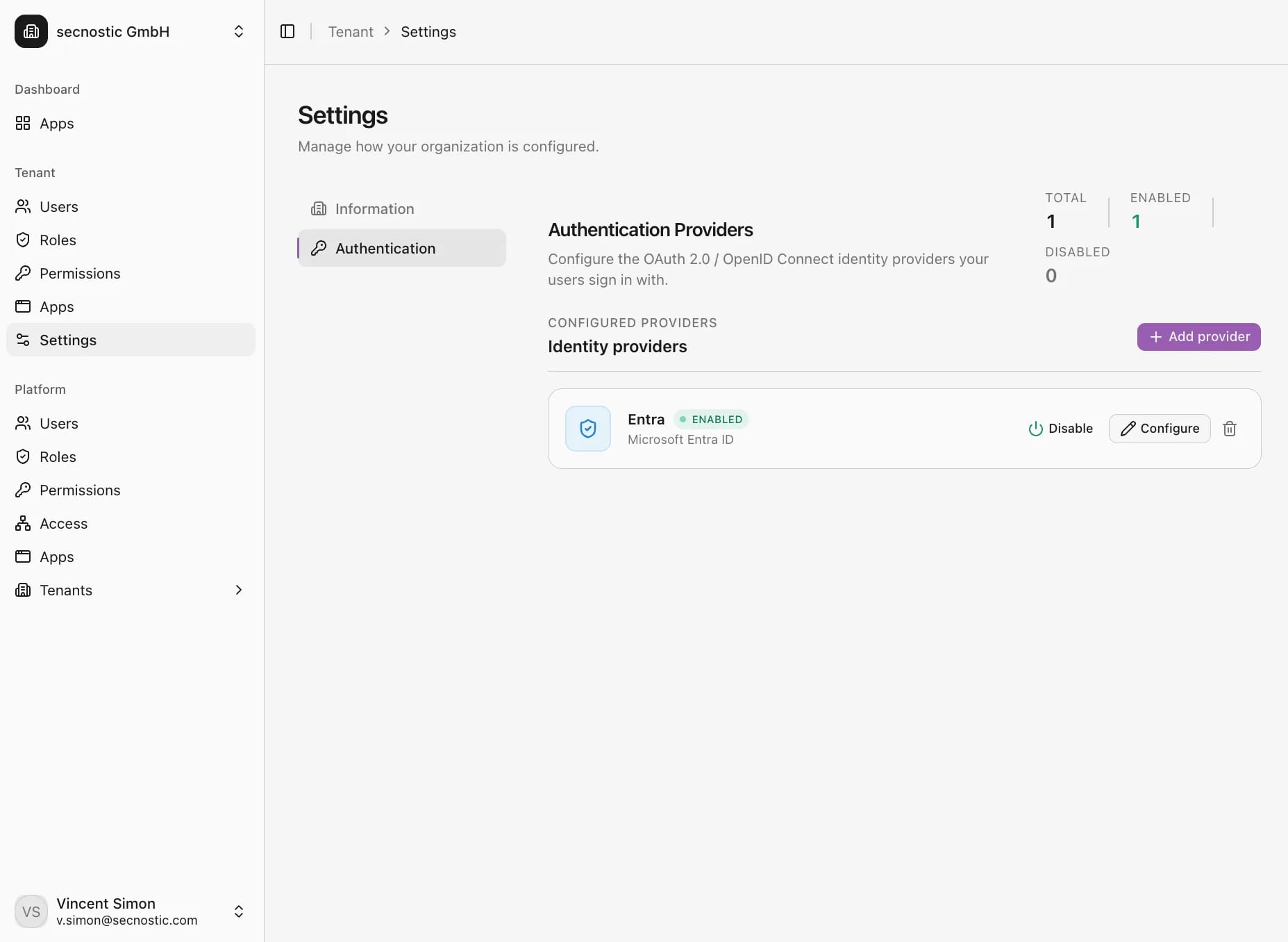
Permissions: the granular capabilities that can be granted within a tenant.
Create permission: define a new capability that roles and grants can reference.
Roles: bundle permissions, each with its effect, priority, and target.
Grant, step one: pick the right permission or role for a person.
Grant, step two: set the effect to allow or deny and bind it to the tenant.
Sign-in: configure OAuth 2.0 providers such as Microsoft Entra ID for single sign-on.
Manage devices, risks, and ownership for each customer. Keep customer environments separate and find information for support.
Bring together computers, servers, software, and cloud services. IT operations and support use the same inventory.
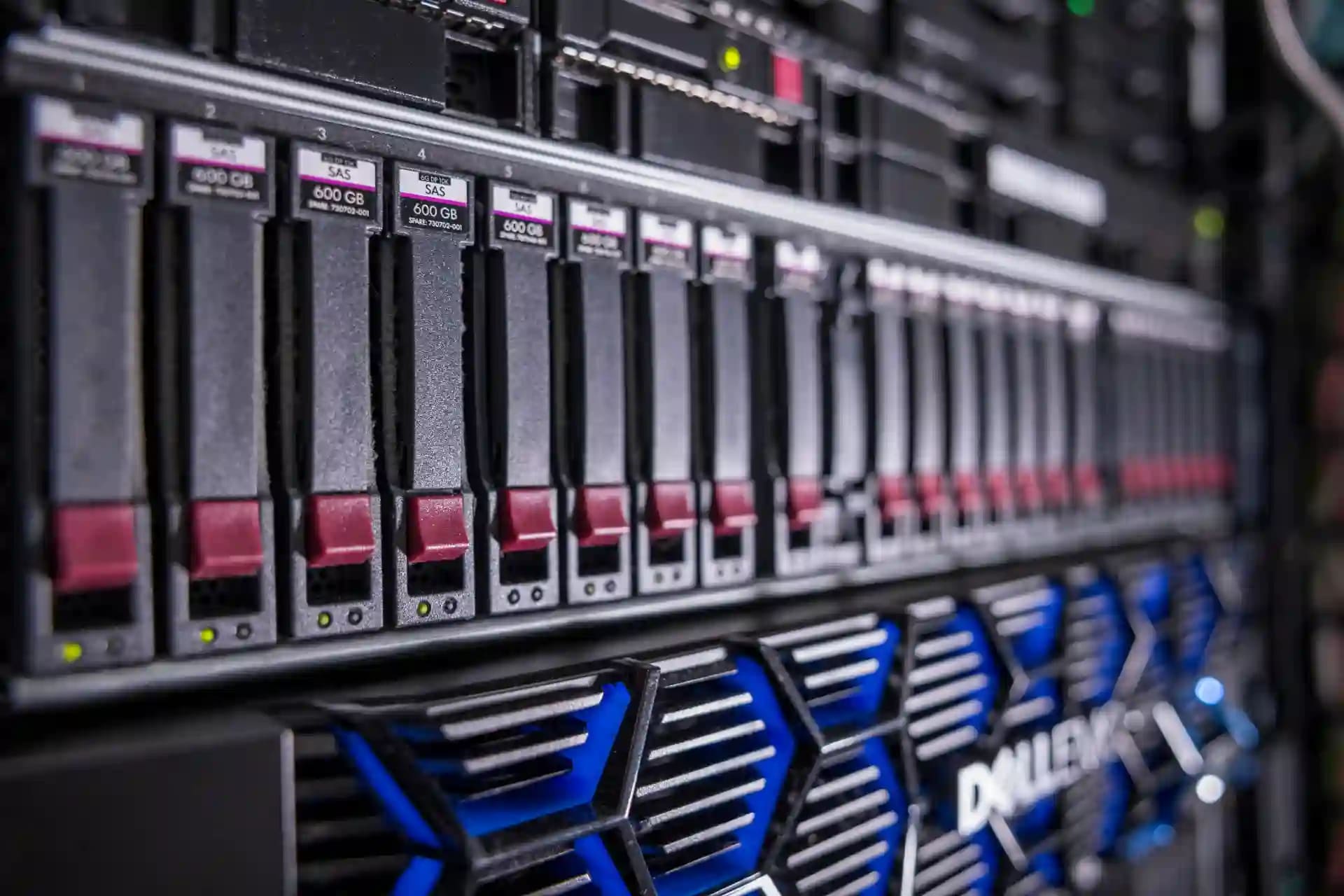
Bring together facilities, networks, and ownership across sites. Understand dependencies for operations and maintenance.

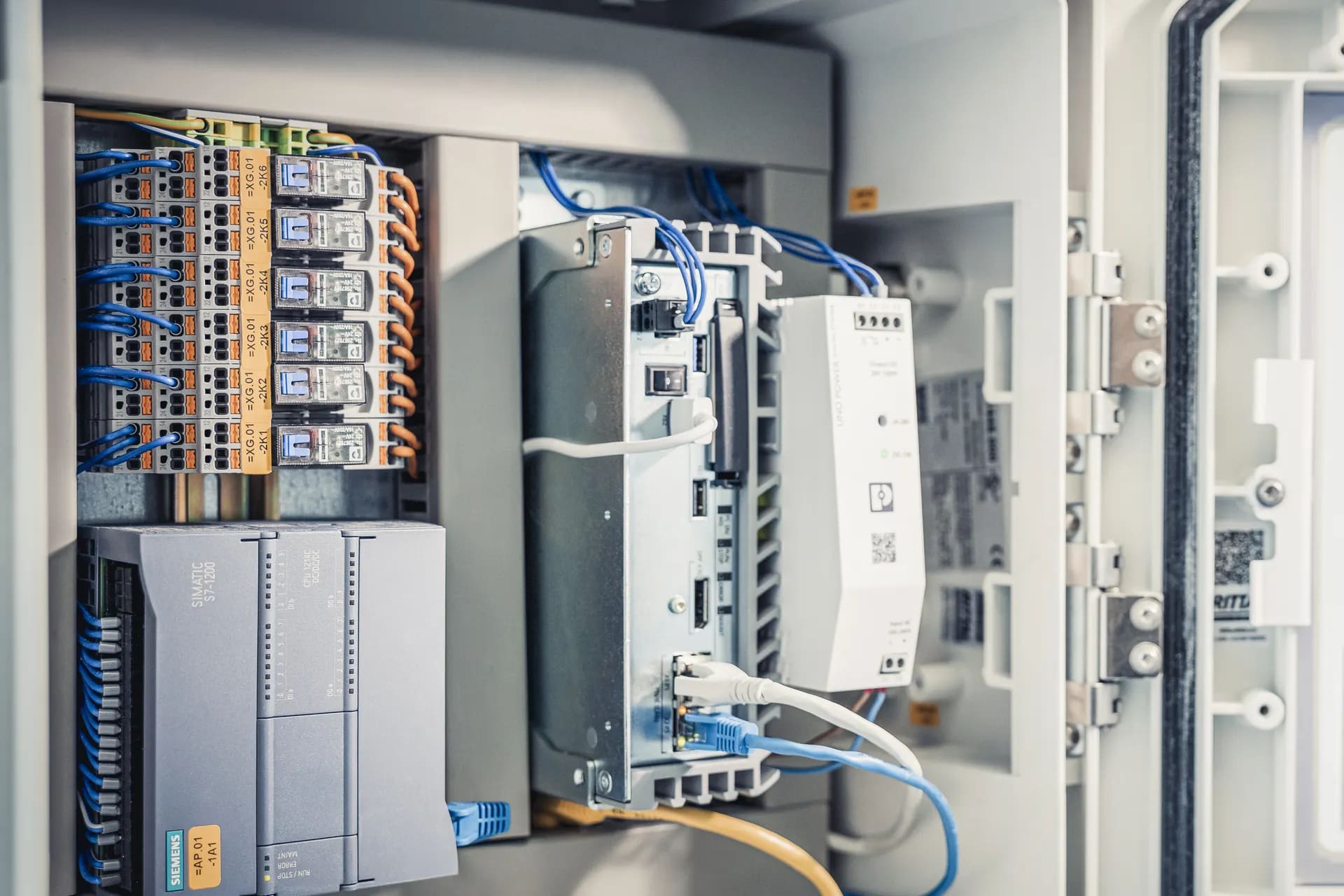
Discover technical devices in a building and their connections. Assign ownership and remote access.
Key questions about a shared control plane for tenants and apps.
No. Each tenant configures its OAuth 2.0OAuth is an authorization standard that lets an application obtain access to resources without disclosing user passwords to the application. provider, such as Microsoft Entra IDMicrosoft Entra ID is a cloud-based identity and access management service for users, devices, applications, and resources.. Users sign in through the configured external identity providerAn IdP creates and manages identity information and provides authentication services for applications.. platform manages tenants and access to connected applications. The internal secnostic® Identity issues tokens for connected applications as an OpenID ConnectOIDC (OpenID Connect) is a standard that lets users sign in through an external identity provider instead of keeping a separate password for each application. issuer. User sign-in stays with the configured identity provider.
A tenant is an isolated workspace. Users, roles, permissions, sign-in providers, and entitlement valuesAn entitlement defines the scope a tenant receives in an application, such as a plan tier, a limit, or an unlocked feature. apply only in its context. A permission for tenant A never applies in tenant B, so different customers' data and access never mix.
Only those the operator explicitly releases. Every entitlementAn entitlement defines the scope a tenant receives in an application, such as a plan tier, a limit, or an unlocked feature. is defined as global for the app or per tenant, and each can be visible, hidden, or tenant-configurable. The settings that control usage limits and billing are managed only by the operator; the platform stays the single source of truth, and apps query the current value at runtime instead of keeping their own editable copy.
The app implements a documented integration protocol: a configuration file plus endpoints for info, status, OAuthOAuth is an authorization standard that lets an application obtain access to resources without disclosing user passwords to the application., and its permission, entitlementAn entitlement defines the scope a tenant receives in an application, such as a plan tier, a limit, or an unlocked feature., and metric definitions. On registration it receives a secret and OAuth credentials, after which the platform re-syncs the catalogs on a schedule.
We clarify which tenants, apps, roles, and entitlementsAn entitlement defines the scope a tenant receives in an application, such as a plan tier, a limit, or an unlocked feature. should converge first and where the platform immediately cuts effort and one-off solutions.